WHAT'S NEXT
Complete PC Assist installation
Your download will begin automatically. If it didn't start, download the app manually.
Step 1
Open
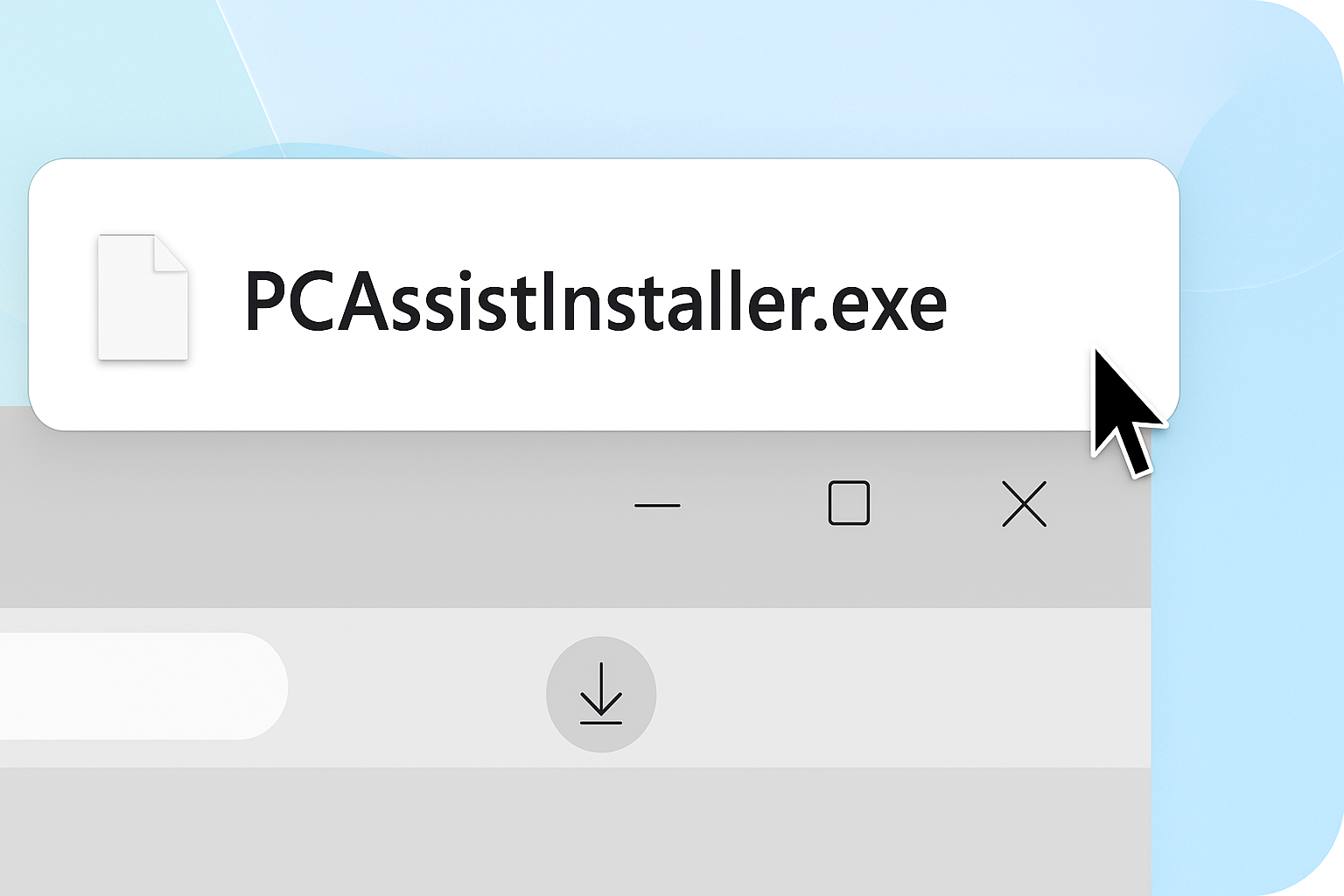
Open and run the PCAssistInstaller.exe file from 'Downloads'.
Can't find your download? Click here to download the offer.
Step 2
Install
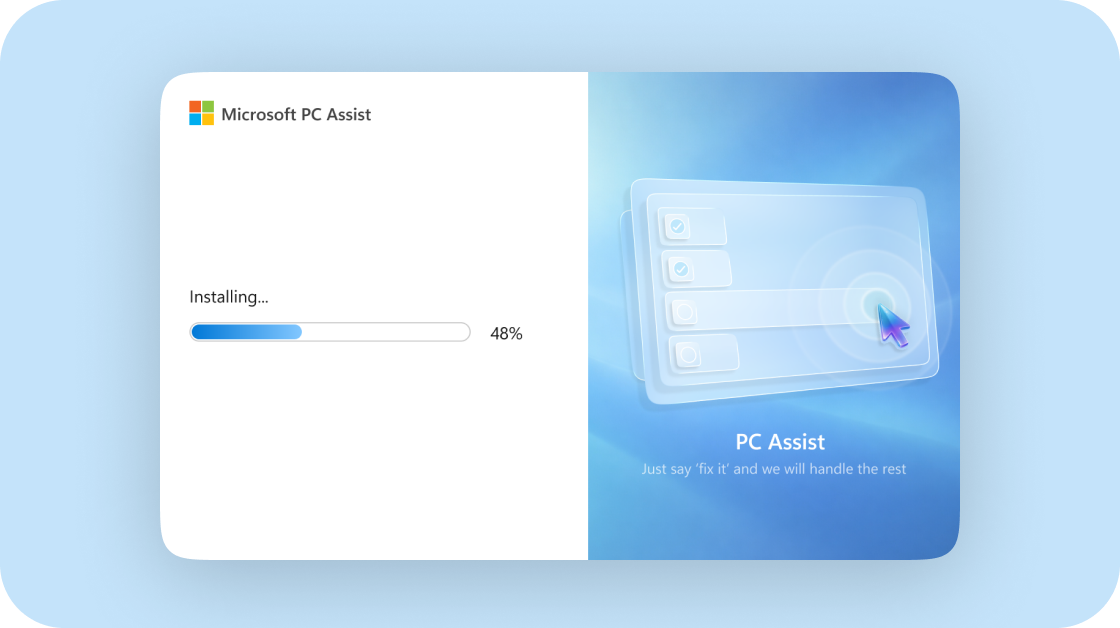
Installation will start automatically. You might be asked to set Bing as your default homepage and search engine in your browser before you finish.
Step 3
Enjoy
Thank you for installing PC Assist!
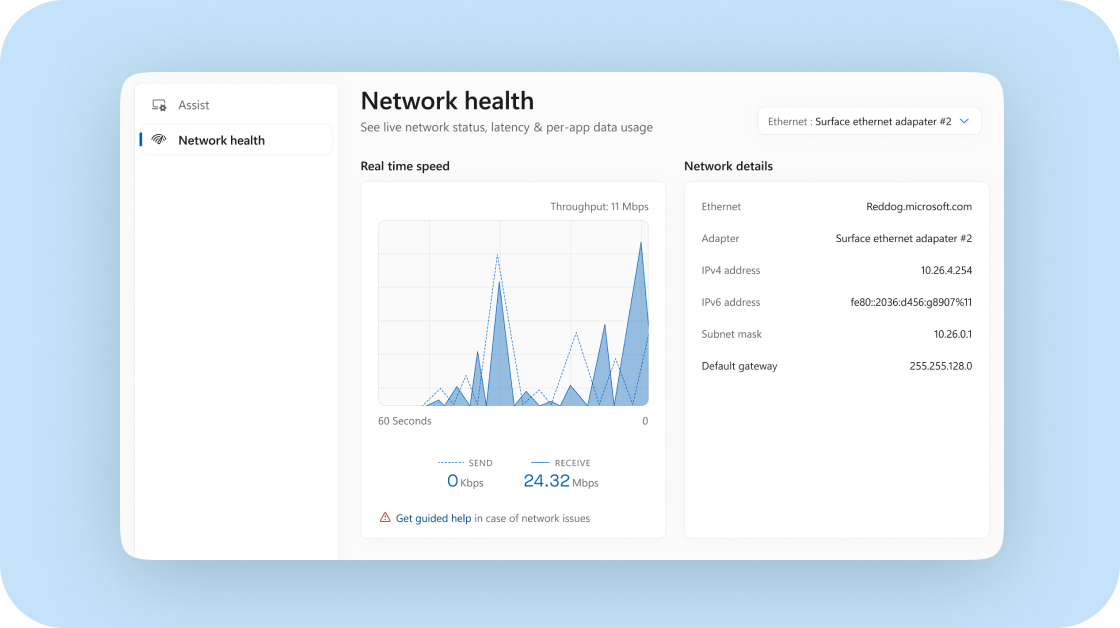
See which apps are using your data in real time and set limits to keep everything running smoothly